NAB online banking features and tools - NAB


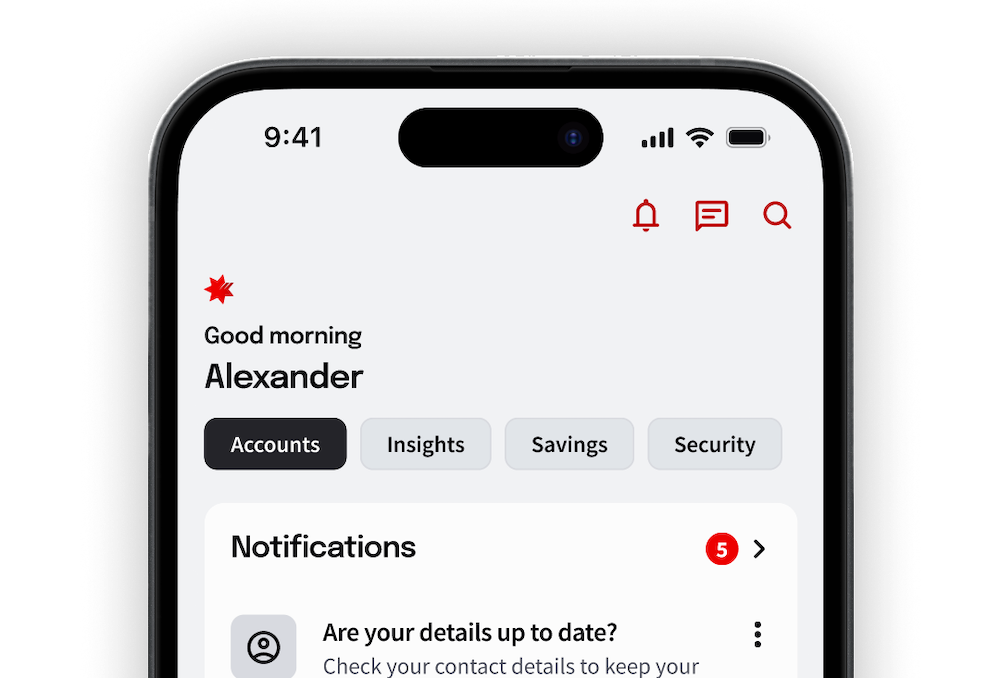
How you can use our online banking features
Make your banking easier, smarter, and more secure. Explore our exciting online banking features.
- Budgeting tools to help manage your money.
- Savings tools to help you reach your financial goals.
- Bill and cash predictions to help you stay on top of your budget.
- Faster and more secure payment features and more.
Saving and budgeting features of online banking
Money management just got easier. These features are designed to help you stay in control of your budget and reach your savings goals more easily.
Fast and secure payment features of online banking
At NAB, we’re committed to making online payments more convenient and efficient for you and the people you need to pay. Security is always front of mind. Here are just a few features available to help you transfer money and pay bills quickly and securely.

Awards we've won
How do I start banking online at NAB?

Register for NAB Internet Banking
NAB Internet Banking is our free-to-use digital banking platform for all customers. Check your accounts, manage your finances and bank on the go anytime, anywhere.


Still not sure how to start?
Use our online banking guides to learn more about using NAB Internet Banking and the NAB app to become more confident and to make the most of our online banking features.
Save time getting in touch
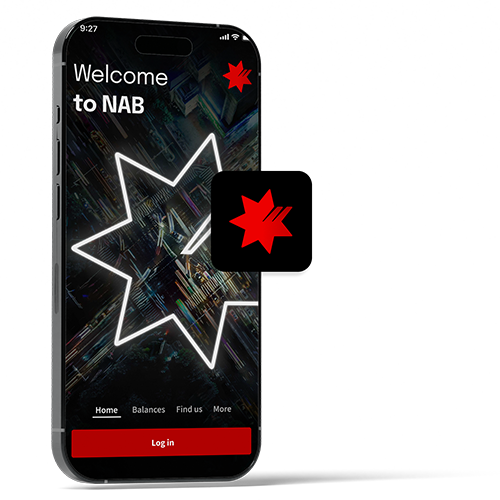
Call us securely from the NAB app to skip the identification process and get connected with who you need.
- Log into the NAB app.
- Tap the Search icon.
- Search for ‘call’.
- Tap Contact us.
Learn more about calling from the NAB app.
Not registered yet? Download the NAB app today


Please note, certain enquiry types may still require you to be identified.
Terms and Conditions
Apologies but the Important Information section you are trying to view is not displaying properly at the moment. Please refresh the page or try again later.
PayTo is available to selected retail accounts excluding credit cards. It's not available where customers are set up with a multi-auth arrangement or available to third parties.
NAB uses digital features provided by Slyp Pty Ltd (ABN 19 613 031 271) in its delivery of NAB Digital Receipts.
Consider the NAB Internet Banking terms and conditions which apply when using NAB Internet Banking and the NAB app, before making any decisions regarding these services. The NAB app is compatible with Android™ and iOS, minimum platform requirements apply. Android is a trademark of Google LLC. iOS is a trademark or registered trademark of Cisco in the U.S. and other countries and is used under license. Services issued by NAB.
Apple, iPhone, iPad, Touch ID, Face ID and the Apple logo are trademarks of Apple Inc., registered in the U.S and other countries. App Store is a service mark of Apple Inc. Google Play and the Google Play Logo are registered trademarks of Google LLC.
PayID is a registered trademark of NPP Australia Limited.